Shane Rounce: So Mac OS X Lion was released yesterday and, despite trying to stay…
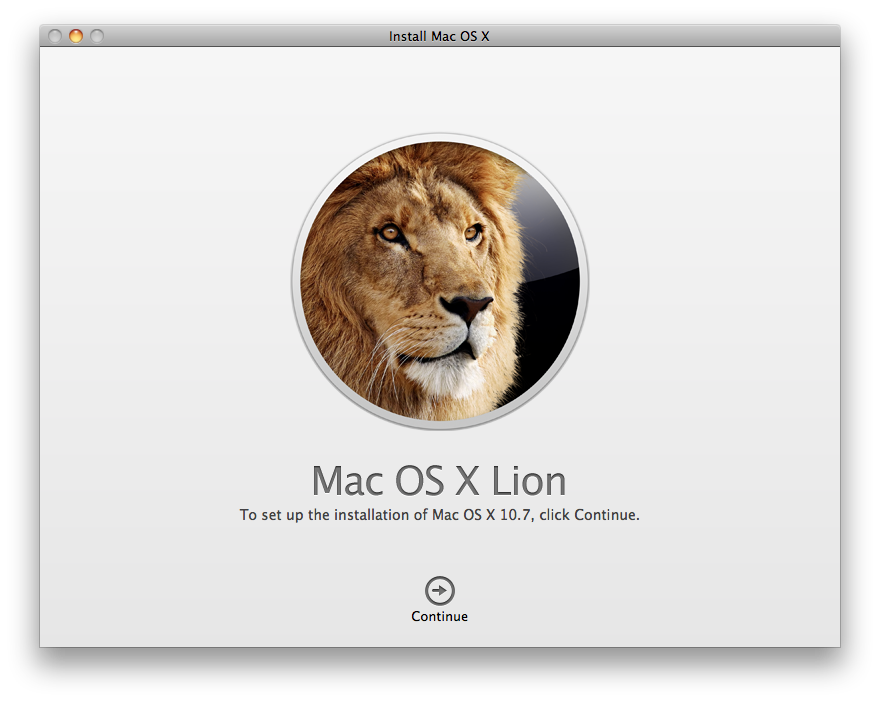
So Mac OS X Lion was released yesterday and, despite trying to stay up for it from the day before, I inevitably ended up falling asleep. Anyway, I woke up at Midnight and promptly started downloading it. After watching the "Estimated Download Time" jump around like a 4 year old on meth, for what felt like an eternity, I finally managed to download and install lion.
First Impressions
Well, it's only just been released and, as with any early adopter, I've noticed a few minor bugs, nothing too trivial though. I'm assuming these will be fixed in a Software Update pretty soon.
Safari is pretty fast. So fast, in fact, that i've been using it all morning. It's just a shame they haven't updated the tabs, they're still as about appealing as fucking a belt sander.
Mission Control is pretty nice. A great replacement for Expose and Spaces. All of your open windows are show in each "Desktop" area, as per the previous Expose view, though with the added bonus of seeing all other Desktops/Spaces/Full Screen Apps along the top of the Screen. It's intuitive, easy to use and shows you, quickly, exactly what you're looking for.
Preview now offers the ability to scan Signatures simply and quickly, using only your Webcam. As simple as this addition may seem, there have been several occasions over the past few months where this would have saved me quite some time.
Full Screen Apps look great. The ones that work that is. I tried enabling Lightroom 3's pre-existing Full Screen Mode and it didn't quite work right. I had to exit full screen mode to access all the Menu options, before they simply appeared as your cursor hit the top of the screen. It also seems a little odd to me that Apple haven't taken advantage of Secondary Monitors when running full Screen Apps; they could have allowed me to reply to emails on my Second screen, not just piss some grey pattern all over it and make it useless till I leave full screen mode.
Not gonna lie, iCal, Address Book and Mail all look great. I wasn't too sure about the idea of having some apps look too aesthetically over-pleasing, almost childish and not keeping to Apple's consistent form-factor but I'm pleasantly surprised by just how well they work. Just having them running seems to make the OS feel that little bit fresher. I'll be giving Mail a test-run as my Default Mail App for a while, let's see if it can out perform Sparrow.
Photobooth has some new effects and is also compatible with the Full Screen Mode, which I suppose has it's uses. It seems to incorporate face tracking now too, allowing you to apply some animated effects to Videos such as Hearts rising from the top of your head, yeah it's a little silly but it's all in good fun.
I didn't like that Apple are calling this inverse scrolling crap "Natural Scrolling" and that got disabled right away. Sure, it feels perfectly natural on my iPhone, where my finger is physically touching the screen, hell, it might even apply well to touchscreen computers but for people using a mouse, well, this option should not be turned on by default. The iOS influenced scrollbars, however, are fucking delicious. So delicious, in fact, that if they were any type of food, I'd fucking eat them purely based on their appearance.
Launchpad probably won't get much use from me so that shit was flung straight from the Dock. I'll stick to using Spotlight to launch my Apps. Who knows though, there are plenty of lazy morons around who just like to click shit to get it running and are completely unaware of any and all Keyboard Shortcuts that could shave minutes off their day. So yeah, it may catch on.
Overall
It's not bad at all, shit just feels faster. There are the small bugs here and there so some people may want to hold off a week or two before updating when, hopefully, the Software Update is out.
Safari is a total boss.
Mission Control is exactly what I wanted it to be. Easy to use, easy to access and fast.
The Update seems worth it's price tag. If you wanna try out Mac OS X Lion then hit up your mother fucking Mac App Store and buy that shit right now.
Update:
It seems Apple have changed the way that Search indexing works which means Spotlight starts Re-Indexing your Entire hard Drive after installing Lion. Depending on the amount of shit you have cluttering up your System, it may be a good idea to leave your Mac the fuck alone for a short while afterwards so it can Index in peace and you can avoid any performance issues. Once it's done Indexing everything, you should be good to go.